
 By Mehak Ishfaq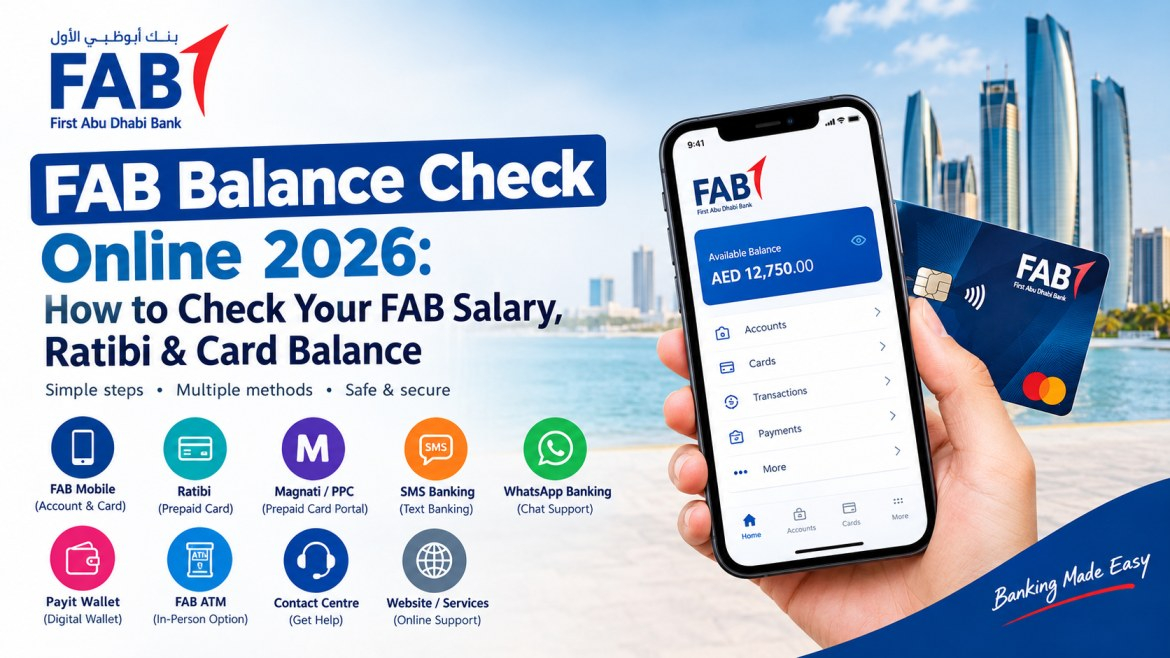
Article purpose: A human-first UAE guide covering FAB account, salary, Ratibi and prepaid-card balance checking methods, troubleshooting, security and voice-search FAQs.
If you receive your salary through First Abu Dhabi Bank (FAB), checking your available balance should not require a trip to a branch. Depending on the type of FAB account or card you use, you can check your money through FAB Mobile, the official Ratibi balance enquiry service, Magnati/PPC services, ATMs, SMS or WhatsApp banking, or FAB customer support.
The right method depends mainly on what type of FAB card or account you have. A regular FAB account holder can use FAB Mobile to view account and card balances, while a Ratibi cardholder has a separate prepaid salary-card service.
| FAB balance-check method | Best for | Internet required? |
|---|---|---|
| FAB Mobile | Regular FAB account and card holders | Yes |
| Ratibi Balance Enquiry | FAB Ratibi cardholders | Depends on available service |
| Magnati / PPC Portal | Eligible prepaid and payroll card users | Usually yes |
| SMS Banking | Customers using FAB’s SMS banking services | No mobile internet required |
| WhatsApp Banking | Customers who prefer messaging-based banking support | Yes |
| Payit Digital Wallet | Users managing eligible digital wallet services | Yes |
| FAB ATM | Cardholders who want an in-person option | No |
| FAB Contact Centre | Account or card problems | No |
| FAB website/services | Online banking and support | Usually yes |
For customers with a normal FAB bank account or eligible FAB card, the FAB Mobile app is one of the easiest ways to check the current balance.
Download or open the official FAB Mobile app.
Log in using your registered credentials.
Open your account or card section.
Select the relevant account or card.
Review your available balance and recent transaction information.
If your employer pays your salary through a FAB Ratibi Prepaid Card, the balance-check process is different from that of a conventional FAB current account. FAB describes Ratibi as a payroll solution for employees earning up to AED 5,000, with salary loaded onto the card without requiring a traditional bank account.
Go to the official FAB Ratibi page and use the Ratibi Prepaid Card Balance Enquiry option provided for existing cardholders.
Ratibi users may also encounter Magnati / PPC (Prepaid Card) portal services when accessing prepaid-card-related information. The available service can depend on the specific card and FAB’s current digital setup, so Ratibi cardholders should use the official FAB service linked to their card rather than relying on third-party balance-check websites.
If your employer deposits your salary directly into a regular FAB current account, you can check the balance through FAB Mobile.
Open FAB Mobile.
Sign in securely.
Select your FAB account.
Check the available balance.
Review recent transactions if you want to confirm whether your salary has been credited.
Internal link suggestion: Add a relevant UAE salary-account or salary-payment guide here.
An ATM remains a practical option if you do not want to use mobile banking.
Insert your card into the ATM.
Enter your PIN.
Select the balance enquiry option.
Follow the instructions displayed on the screen.
Review the balance shown.
If your card is blocked, the app is not working, or you need help identifying a transaction, contacting FAB directly is more appropriate than repeatedly trying different balance-check methods.
FAB Contact Centre: 600 52 5500 داخل UAE; +971 2 681 1511 internationally.
Ratibi support: 600 52 2298 داخل UAE; +971 2 499 6279 internationally.
FAB also provides digital communication channels that can help customers access banking information or get support without visiting a branch.
SMS Banking: Customers who have access to FAB’s SMS banking services can use the relevant registered mobile number and available banking commands or alerts to manage or check eligible account information. Availability can depend on the account and service setup.
WhatsApp Banking: FAB customers can also use the bank’s official WhatsApp channel for eligible banking services and support. Always access WhatsApp banking through FAB’s official website or verified FAB channel rather than using an unknown number or link.
Because digital banking features can change, check FAB’s current official digital-banking and contact pages for the latest available SMS and WhatsApp services.
Payit is FAB’s digital wallet service, designed for digital payments and money-management needs. If you use Payit, the balance shown in the wallet is separate from the balance of a traditional FAB current account or a Ratibi prepaid card.
Payit users should therefore check the relevant wallet balance within the official Payit service rather than assuming it is the same as their FAB bank-account balance.
For a regular FAB account, Ratibi card or Payit wallet, always select the correct service before checking your available funds.
| Feature | FAB Ratibi | Regular FAB Account |
|---|---|---|
| Type | Prepaid payroll card | Bank account |
| Traditional bank account required | No | Yes |
| Salary payment | Loaded onto Ratibi card | Credited to account |
| Balance enquiry | Dedicated Ratibi service, including applicable prepaid-card channels | FAB Mobile, ATM and other channels |
| Intended use | Salary/payroll payments | Broader banking needs |
If you expected your salary but it has not appeared, first check your transaction history rather than assuming the card or account is not working.
Whether your employer has processed the salary payment
Whether the payment is showing as pending
Whether the expected payment date has passed
Whether your card or account has a restriction
Whether there is a technical issue with your banking access
If the situation remains unclear, contact FAB through its official support channels.
FAB Balance Check 2026: Online, App & Ratibi Salary Enquiry Guide
Check your internet connection and make sure you are using the latest official version of the app. If the problem continues, use FAB support.
Check your recent transactions. A recent payment, withdrawal, card transaction or pending transaction may explain the difference.
Use the official Ratibi balance enquiry service, the applicable Magnati/PPC prepaid-card service, or contact FAB Ratibi support.
Do not repeatedly enter your PIN if you are unsure of it. Contact FAB through an official channel.
Do not click unknown links or provide account information. Contact FAB through an official channel.
Yes, provided you use official FAB channels and follow basic banking security practices. The biggest risk is often fraudulent websites, messages and people pretending to represent the bank.
Use the official FAB website or app.
Do not share your OTP.
Never give your PIN to someone claiming to be bank staff.
Avoid entering banking credentials on links received from unknown numbers.
Check the website address before logging in.
Contact FAB directly if you suspect fraud.
Yes. Regular FAB account holders can use FAB Mobile to view balances and transactions. Ratibi users have a dedicated balance enquiry service and applicable prepaid-card channels such as Magnati/PPC. Depending on the service available to your account or card, SMS banking, WhatsApp banking, ATMs and FAB customer support can provide additional options when digital banking is not suitable.
The best FAB balance-check method depends on the product you hold. If you have a regular FAB account, FAB Mobile is a convenient way to view your balance and transactions. If you receive your salary through a Ratibi Prepaid Card, use FAB’s dedicated Ratibi balance enquiry service and applicable prepaid-card channels. SMS banking, WhatsApp banking and Payit may also be relevant depending on the specific FAB service you use. An ATM is useful when you prefer a physical card, while FAB customer support is the better route when there is an account, card or access problem.
Most importantly, use current information from FAB itself. Banking procedures can change, and older online guides may continue to show instructions that are no longer applicable.
If you have a regular FAB account, you can use the official FAB Mobile app to view your account and card balances.
Ratibi cardholders can use the Ratibi Prepaid Card Balance Enquiry service provided on FAB’s official Ratibi page. Applicable prepaid-card services such as the Magnati/PPC portal may also be available depending on the card and current FAB service setup.
Yes. Depending on your FAB product, you may be able to use an ATM or contact FAB by phone. Eligible SMS banking services may also work without mobile internet.
FAB provides an official WhatsApp channel for eligible banking services and support. Customers should access it through FAB’s official channels and avoid unofficial WhatsApp numbers.
Payit is FAB’s digital wallet service. Its wallet balance is separate from the balance of a traditional FAB bank account or Ratibi prepaid card.
FAB lists 600 52 5500 for customers inside the UAE. For customers outside the UAE, the listed number is +971 2 681 1511.
FAB’s current contact page lists 600 52 2298 for Ratibi service within the UAE and +971 2 499 6279 internationally.
The reason may depend on whether you use a regular FAB account, Ratibi card or another prepaid product. Check your official FAB service first, then contact FAB if the balance remains unavailable or appears incorrect.
Yes. FAB says FAB Mobile can be used outside the UAE when you have Wi-Fi or mobile roaming data available.
No. FAB describes Ratibi as a payroll prepaid-card solution that allows eligible employees to receive their salaries without needing a bank account.
No. Never share your OTP with someone who contacts you claiming to represent FAB.
Use an official FAB support channel to identify the issue rather than repeatedly attempting transactions.